
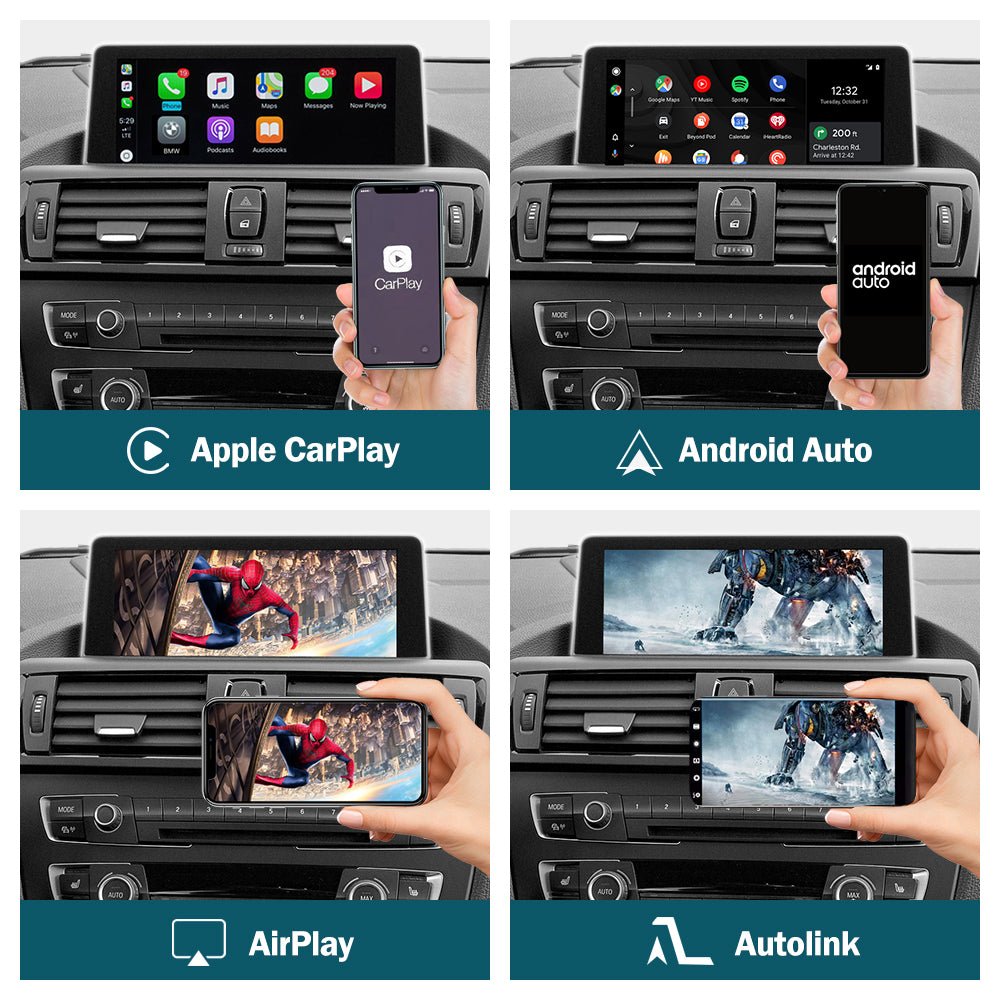

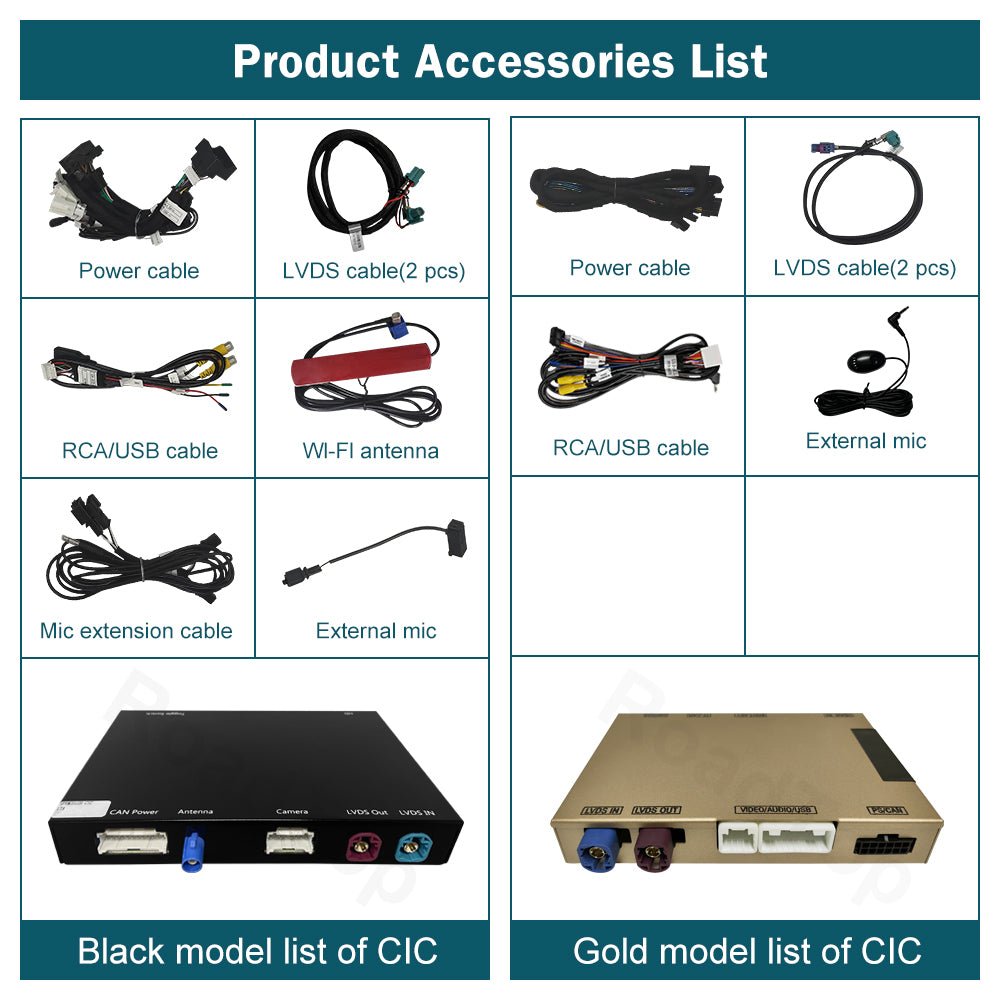

Description
BMW
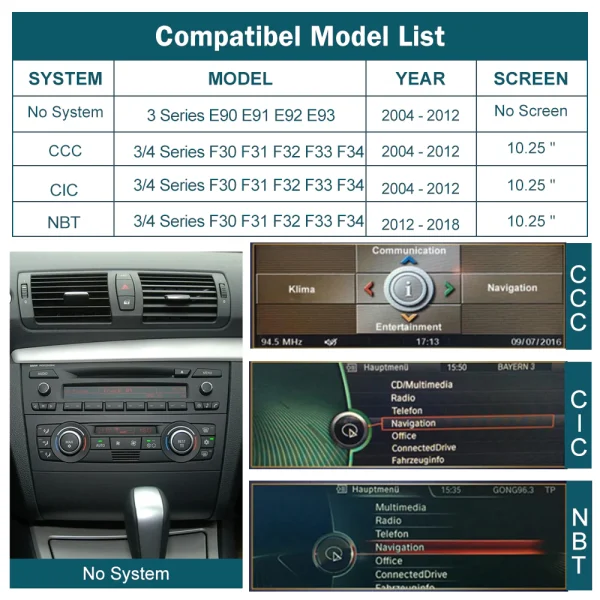
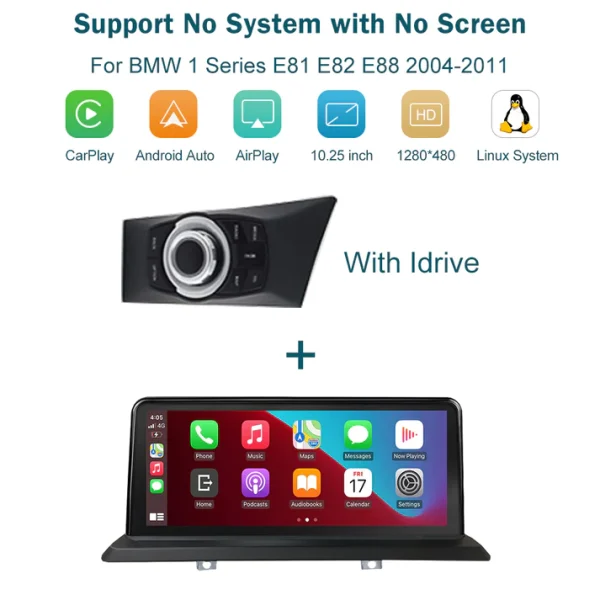
1 series E81 E82 E87 E88 2008-2012 with CIC system
3 series E90 E91 E92 E93 : 2008-2013 with CIC system
5 series F10 F11 : 2009 – 2012 with CIC system
5 series F07 GT : 2009 – 2012 with CIC system
7 series F01 F02 : 2009 – 2012 with CIC system
X1 E84 : 2009 – 2015 with CIC system
X3 / X4 F25 F26 : 2011 – 2013 with CIC system
X5 E70 : 2011 – 2013 with CIC system
X6 E71 : 2011 – 2014 with CIC system
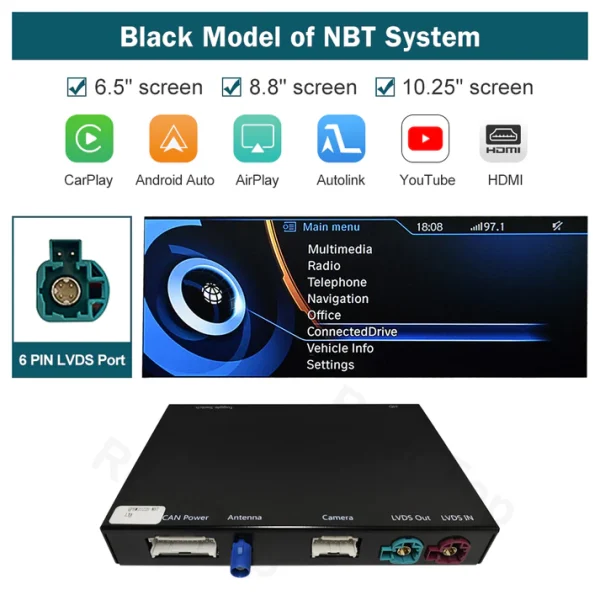
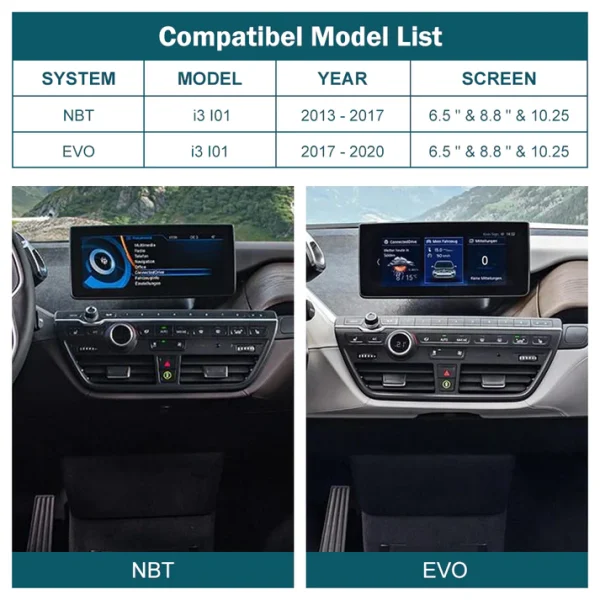
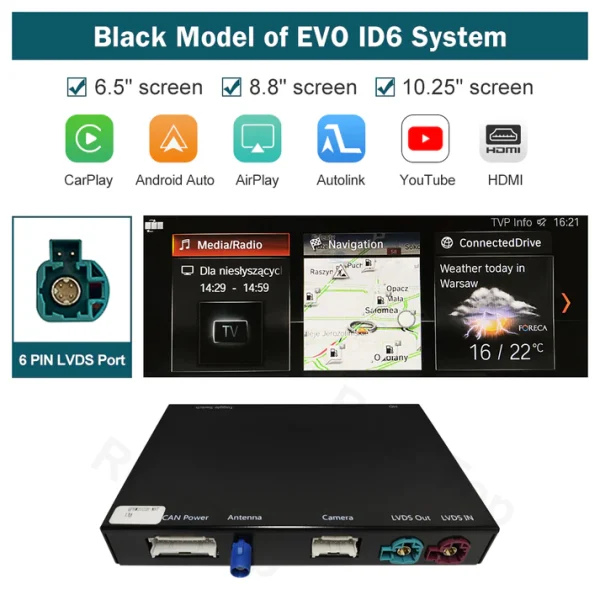
TIP: The CarPlay module in this link does not work on BMW cars with NBT system.


FAQS
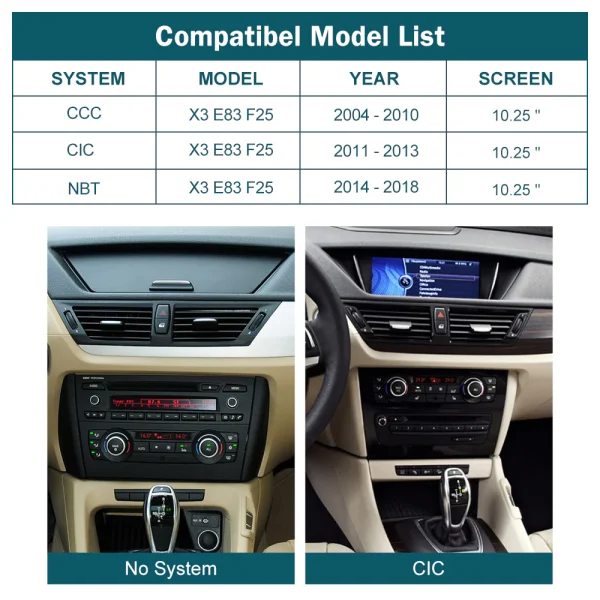
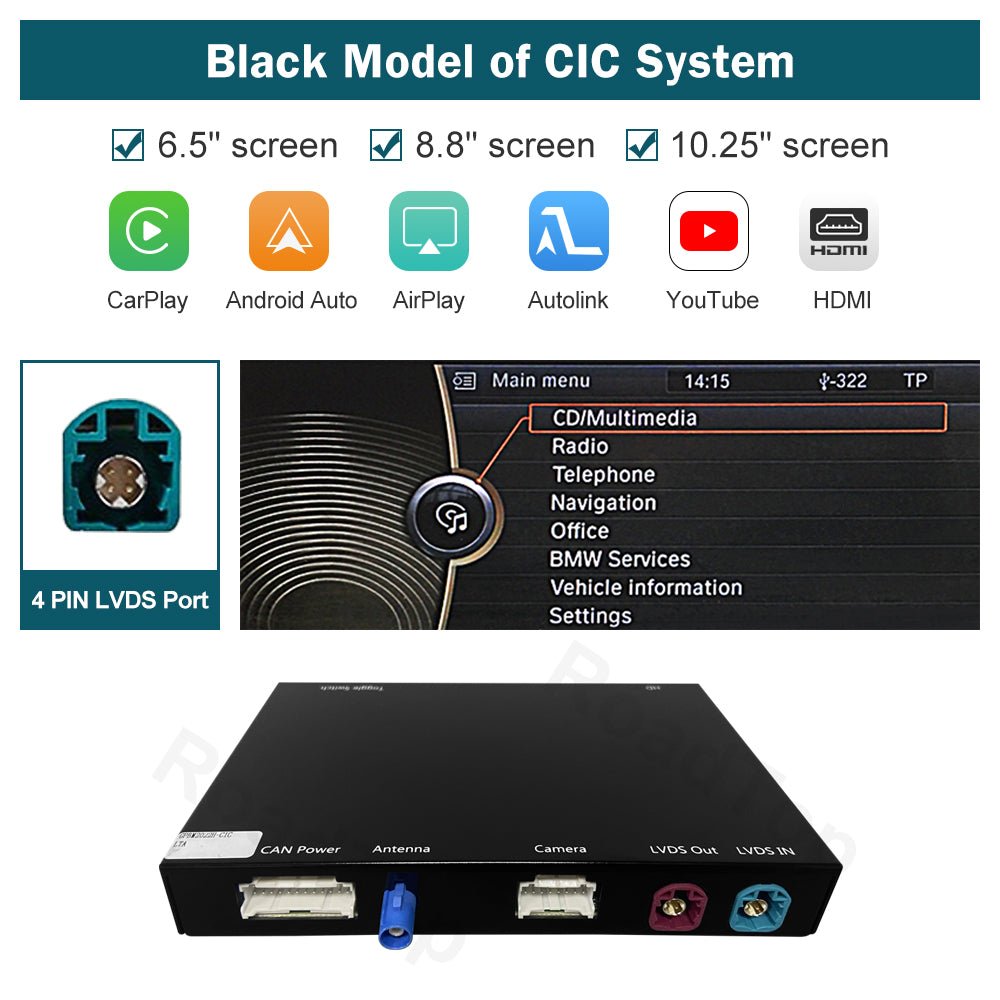
How do I know if my BMW has the CIC system and not the NBT or EVO system?
Please check our website for pictures or contact us directly for assistance to ensure you have the correct system. Your car should have a 4-pin LVDS at the back of the OEM screen, as the kit does not support 6-pin LVDS or NBT systems.
Does this kit support both wireless and wired connections for Apple CarPlay and Android Auto?
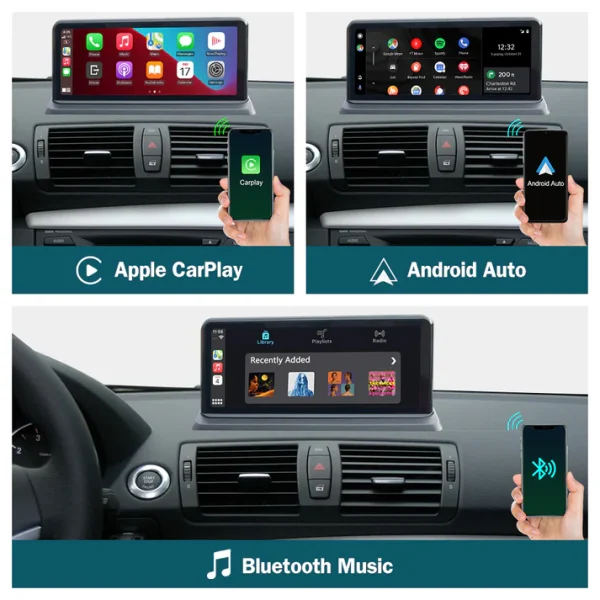
Yes, the kit supports both wireless and wired connections. The type of connection available may depend on your mobile phone model.
Can I use my factory car controls with this retrofit kit?
Yes, the retrofit kit supports the use of the original car knob and steering wheel controls. However, only specific buttons on the steering wheel are supported, such as the voice control button, Tel button, and voice volume “+” and “-” buttons.
Will I have to replace my original car screen or make wiring modifications to install this kit?
No, the kit is designed to retain the factory-fitted display screen without the need for cutting wires or making modifications. For sound playback, switch your BMW radio to ‘AUX’ mode. Ensure your original radio has an AUX option before purchasing.
Does the retrofit kit support the use of the factory original reverse camera and parking radar?
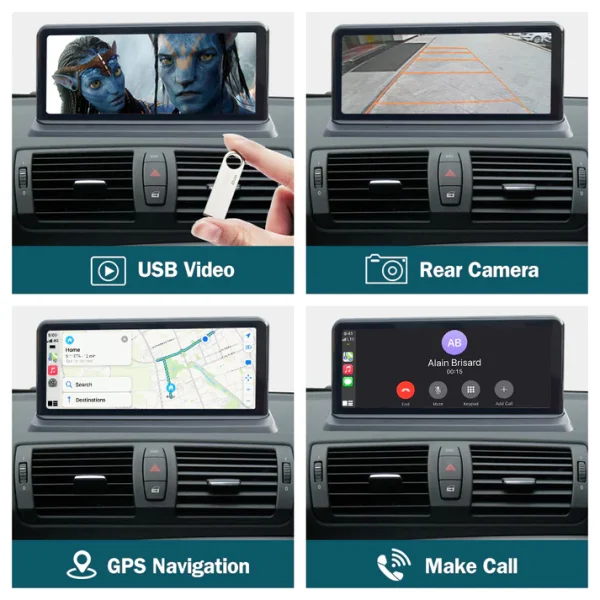
Yes, the retrofit kit supports the factory original reverse camera, parking radar, and aftermarket reverse and 360 cameras, as well as front view camera DVR (CVBS input).
How do I update the software if my current version does not support certain functions like YouTube?
If your software version does not support certain functions, you can get a new update file directly from us.
What should I do if I am not confident in installing the retrofit kit myself?
If you are unsure about how to remove the car dashboard or install the retrofit kit, we recommend going to a professional car shop for installation. However, for product-specific issues, we can provide more specialized assistance than an auto repair shop.
What should I check before putting everything back after installation?
Please confirm that all features, especially the sound, are working correctly before you reassemble the car’s interior.
How do I activate Siri voice control with the retrofit kit?
You can activate Siri voice control by using the voice control button on the steering wheel or by long pressing the confirm button on the iDrive controller.