
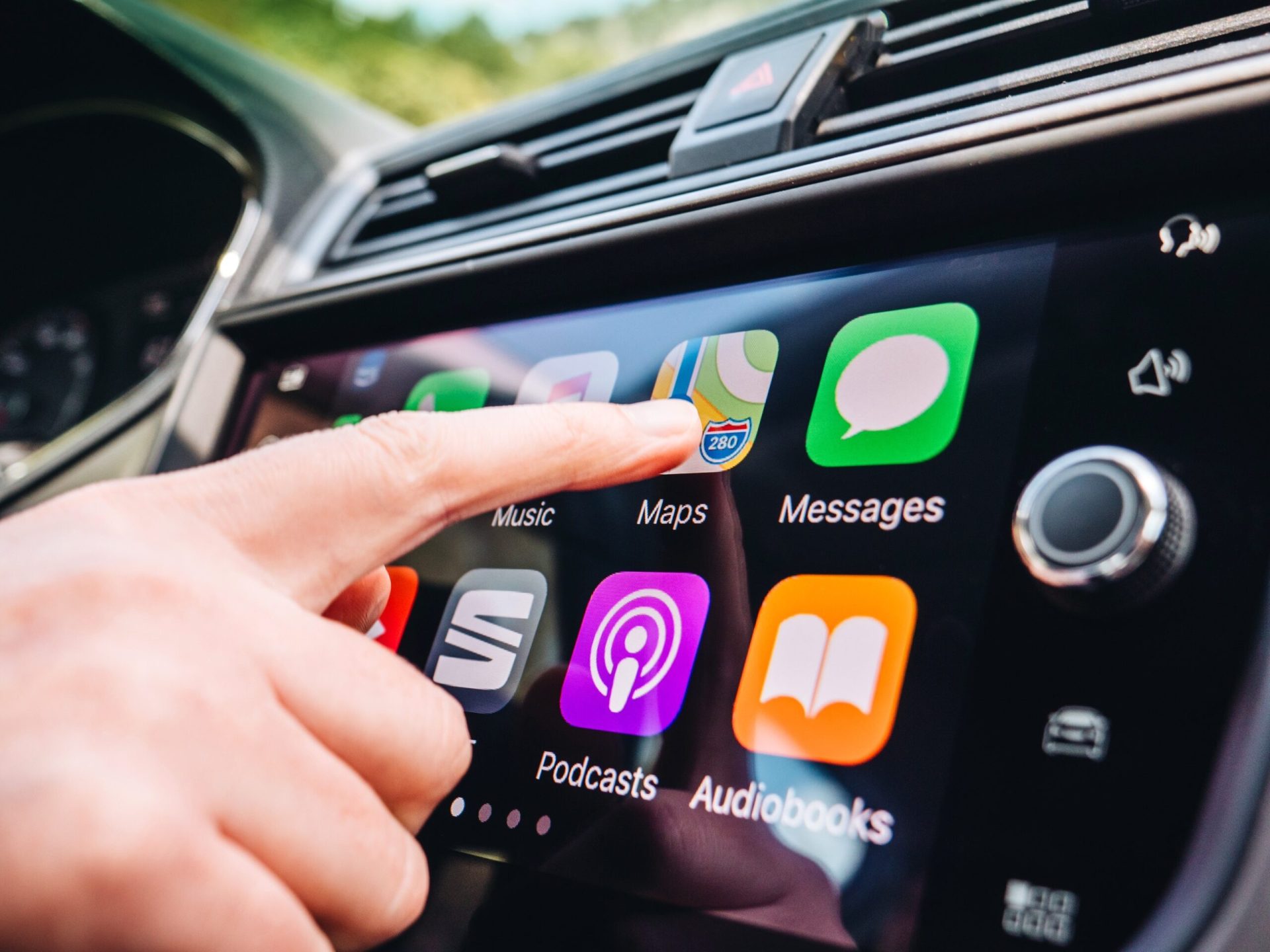
Wireless CarPlay Adapter Buyer’s Guide 2026: Top 5 Picks Compared
We plugged in, paired up, and drove around with five of the most popular wireless CarPlay adapters on the market. Here’s what we found.

Cutting the cable takes less than five minutes — and you’ll never look back.
What is a wireless CarPlay adapter?
If your car came with Apple CarPlay from the factory — but requires a USB cable every time — a wireless CarPlay adapter is the fix. It’s a small dongle that plugs into your car’s USB port, connects to your iPhone via Bluetooth and Wi-Fi, and converts your wired CarPlay system to fully wireless. No cable, no fumbling. Just get in and drive.
You don’t need any special tools or technical knowledge. Most adapters take under five minutes to set up. After a one-time pairing, your phone connects automatically whenever you start the car.
Wireless CarPlay adapters only work if your car already has factory-installed wired CarPlay. They convert wired to wireless — they can’t add CarPlay to a car that never had it. Check our full compatibility list, covering 80+ car brands from 2016 onwards.
If your car doesn’t have factory CarPlay at all, you’ll want a different solution — either a portable CarPlay screen or a multimedia AI box, which we cover in a separate guide.
5 things to check before you buy
1. Connection stability
This is the most important factor. A cheap adapter might connect 80% of the time — but that 20% dropout rate will drive you insane. Look for adapters using dual-band Wi-Fi (2.4GHz + 5GHz) and Bluetooth 5.0, which dramatically reduces dropouts and reconnection lag.
2. Latency
Wireless always introduces some delay. For navigation and music it’s imperceptible. For phone calls, anything over 150ms starts to feel awkward. Our tests confirmed that premium adapters stay well under 100ms. Budget options can spike to 250ms+ during heavy CPU use.
3. Boot time
How long from engine start to CarPlay on your screen? The best adapters connect in under 5 seconds. Some budget models take 15–20 seconds, which becomes genuinely irritating every single morning.
4. iPhone compatibility
All reputable adapters support iPhone 6 and newer, but if you’re on iOS 17 or iOS 18, double-check the firmware has been updated. Some older devices struggled with Apple’s 2024–2025 CarPlay updates. Our top picks all have active firmware support.
5. Upgrade path
Your adapter is software as much as hardware. The best brands push regular over-the-air firmware updates — fixing bugs and improving performance over time. Choose a brand that’s still actively developing.
Our top 5 wireless CarPlay adapter picks for 2026
We tested these adapters across a range of vehicles — from a 2018 VW Golf to a 2022 BMW X3 — over several weeks of daily driving. Here are our honest rankings:
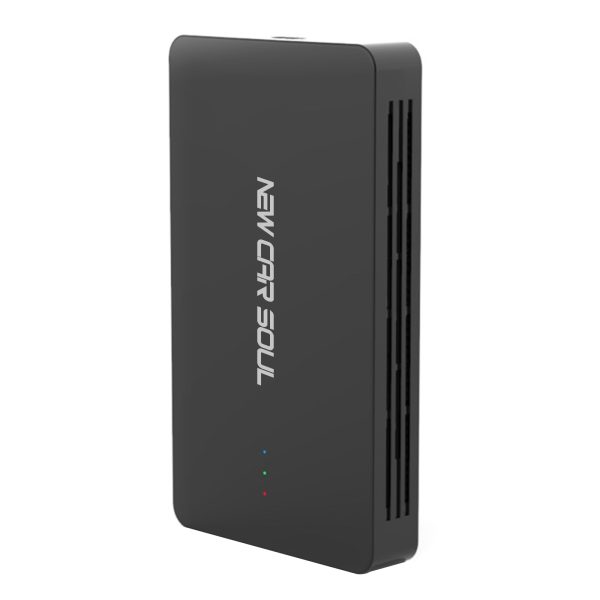
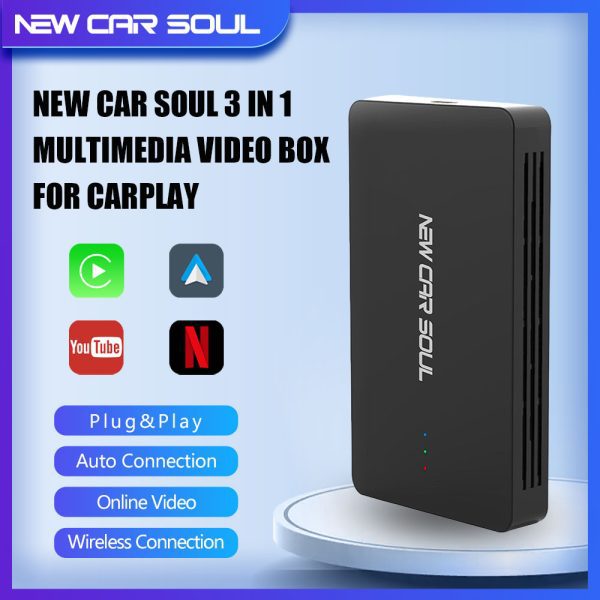
The most versatile pick on this list. It doesn’t just go wireless — it also unlocks Netflix, YouTube, and third-party apps on your factory screen. Plug in once, auto-connects every drive.
- 3-in-1: wireless CarPlay + Android Auto + streaming
- One-time setup, auto-connects after
- Lifetime OTA firmware updates
- Supports iPhone and Android
- 1-year warranty + live chat support
- Streaming requires mobile hotspot
- Slightly larger than adapter-only dongles
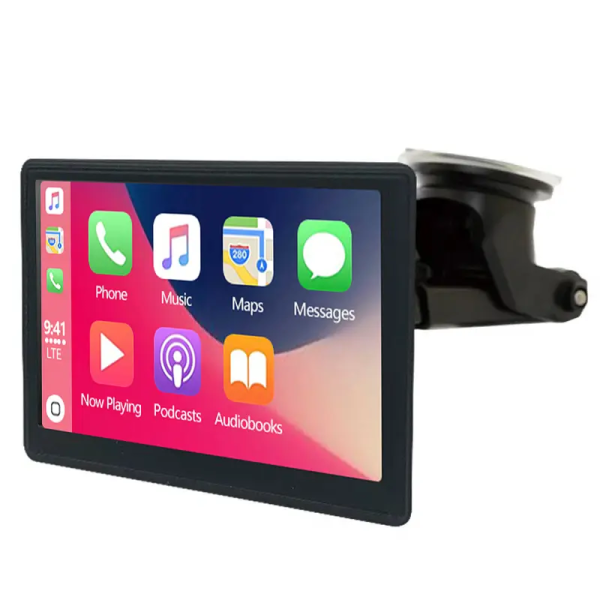
A plug-and-forget experience for users who just want wireless CarPlay without extras. Fastest boot time in our test at under 4 seconds, zero dropouts over four weeks of testing.
- Fastest boot time (<4 sec)
- Zero dropouts in 4 weeks of testing
- Works with any car — no factory CarPlay needed
- Clean touchscreen interface
- No streaming or Android OS
- Higher price than basic adapters
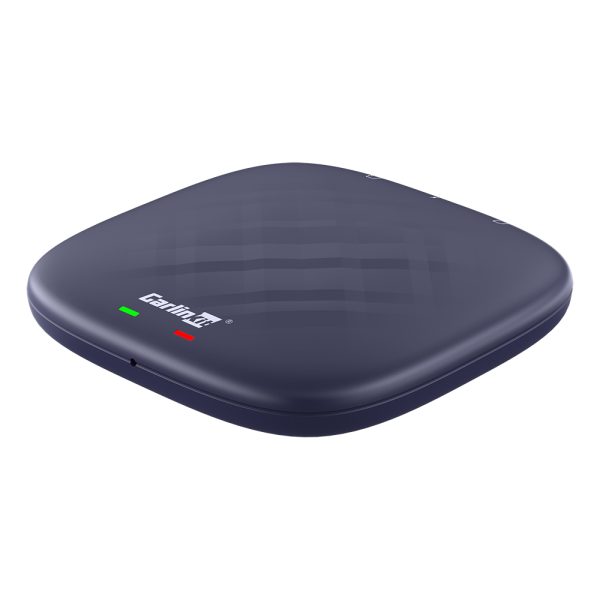
Full Android 13 OS, 8GB RAM, 128GB storage — this is the most powerful option in this guide. If you want Netflix, YouTube, and Google Play on your factory screen, this is your pick.
- Full Android 13 OS (8GB + 128GB)
- Stream Netflix, YouTube via hotspot
- Wireless CarPlay + Android Auto
- Google Play Store access
- Highest price in this list
- Overkill if you only need wireless
- Slightly longer boot time (~8 sec)
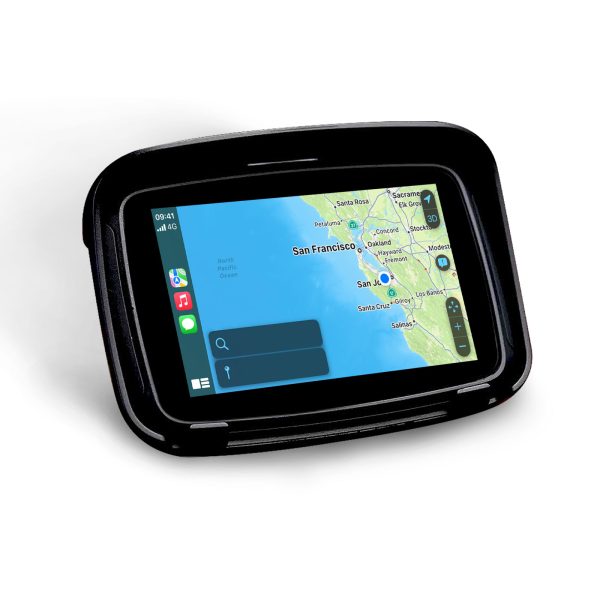
A dedicated waterproof CarPlay screen built for motorcycles and scooters. Navigation, music, and calls on your handlebars. The only motorcycle-specific pick in this guide.
- Purpose-built for motorcycles
- Waterproof and vibration-resistant
- Wireless CarPlay + Android Auto
- Built-in GPS navigation
- Not compatible with cars
- Requires handlebar mounting
If budget is the priority, the MMB adapter delivers reliable wireless CarPlay without breaking the bank. Occasional 1–2 second reconnection delays, but solid for everyday commuting.
- Lowest price in our test
- Reliable for basic wireless CarPlay
- Compact plug-and-forget design
- Occasional brief reconnection delays
- Less frequent firmware updates
- No streaming features

Most adapters sit flush in the USB port — invisible once installed, but transformative every time you drive.
Quick comparison table
| Product | Price | Wireless CP | Android Auto | Streaming | Boot Time | Rating |
|---|---|---|---|---|---|---|
| NCS 3-in-1 Box | €63.15 | ✓ | ✓ | ✓ | ~6 sec | 4.9 ★ |
| Dashboard Console 2.0 | €73.13 | ✓ | ✓ | ✗ | <4 sec | 4.8 ★ |
| Carlinkit TBox Plus | €134.62 | ✓ | ✓ | ✓ | ~8 sec | 4.7 ★ |
| Motorcycle Screen | €122.99 | ✓ | ✓ | ✗ | ~5 sec | 4.5 ★ |
| MMB Adapter | From €49.99 | ✓ | ✓ | ✗ | ~7 sec | 4.3 ★ |
How to set it up (it’s easier than you think)
For a full step-by-step photo tutorial, see our dedicated installation guide. But here’s the short version:
- Plug the adapter into your car’s factory CarPlay USB port (usually in the centre console or glovebox).
- Turn on your car and wait for the adapter LED to blink — it’s broadcasting a Bluetooth signal.
- On your iPhone, go to Settings → Bluetooth and pair with the adapter.
- Your car screen will automatically launch CarPlay wirelessly. Done.
- Every subsequent drive: just get in and start the engine. Your phone connects automatically.

Once paired, CarPlay launches automatically — your music, navigation, and calls are ready before you pull out of the driveway.
If your adapter comes with a companion app (most do), download it before setup. It lets you adjust Wi-Fi bands, check firmware version, and run diagnostics. Our FAQ page covers the most common setup questions.
Frequently asked questions
Wireless CarPlay adapters work with most cars that have factory-installed wired CarPlay (typically 2016 and newer). They cannot add CarPlay to cars that never had it. Check our full vehicle compatibility list before buying.
No — a quality adapter transmits the same signal as a cable. Audio and display quality are identical. Latency on modern adapters is under 100ms and completely imperceptible during normal use.
A wireless adapter simply cuts the cable — it still runs CarPlay through your factory system. A CarPlay AI Box runs a full Android OS, letting you stream Netflix and YouTube directly on your car’s screen. Read our full CarPlay AI Box vs Adapter comparison for a deeper breakdown.
Yes — most adapters on this list support both Apple CarPlay and Android Auto wirelessly. The NCS 3-in-1 and Carlinkit TBox Plus both handle both platforms natively.
Absolutely. Wireless CarPlay adapters are legal aftermarket accessories in all major markets. They don’t modify your car’s firmware or hardware — they simply replace the USB cable with a wireless signal.