
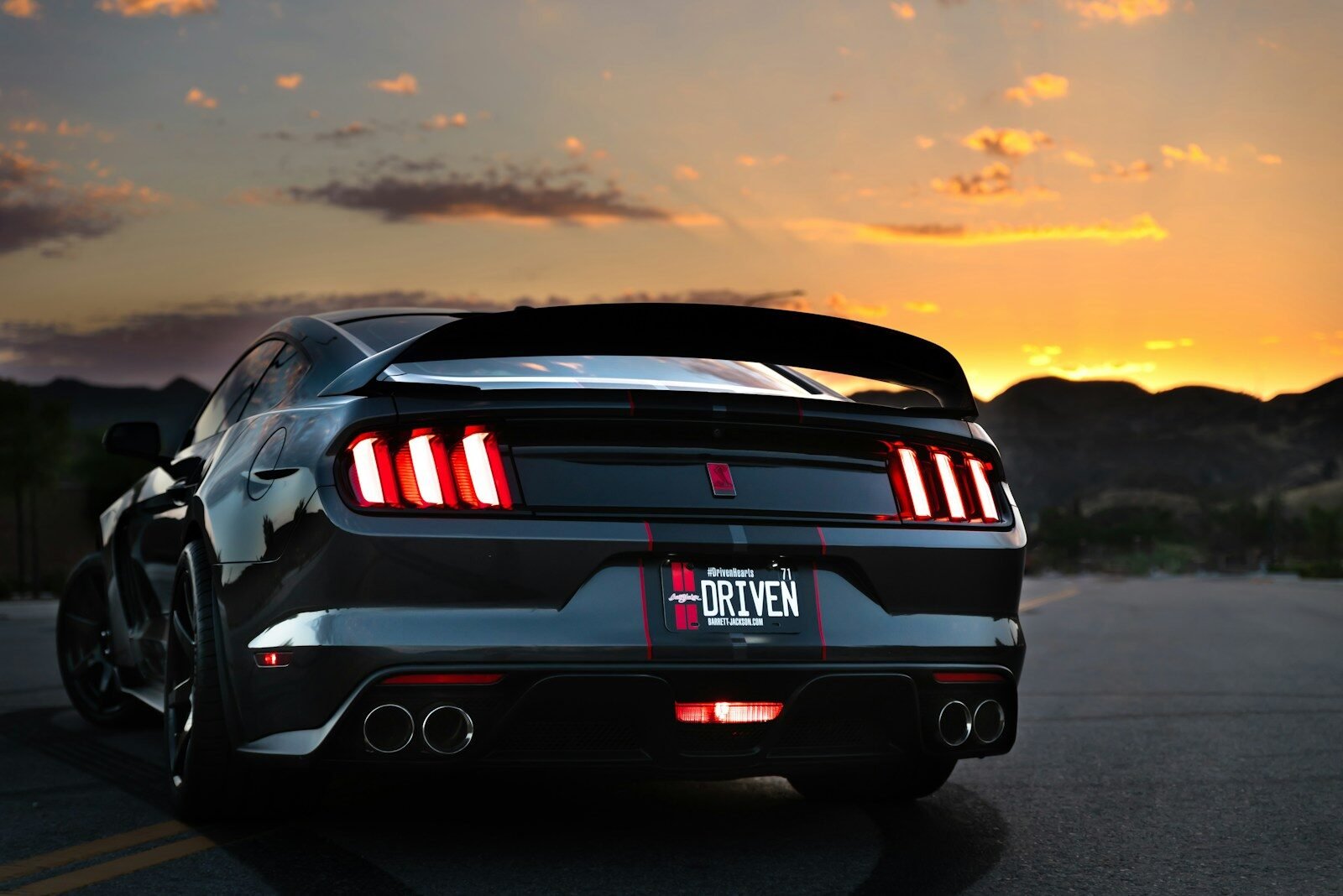
Ford F-150, Mustang & Explorer Wireless CarPlay Guide (2026)
Ford’s SYNC system is one of the most CarPlay-friendly infotainment platforms out there. Here’s how to go wireless on the F-150, Mustang, Explorer, and more.

Ford SYNC 3 and SYNC 4 are among the most reliable CarPlay platforms — and wireless adapter compatibility is excellent.
SYNC 3 vs SYNC 4: which do you have?
Ford’s CarPlay support arrived with SYNC 3 in 2016. SYNC 3 vehicles (2016–2020 model years on most models) support wired CarPlay and work perfectly with wireless adapters. SYNC 4 — introduced with the 2021 F-150 — supports wireless CarPlay natively on some trim levels, but wired-only on others. Either way, an adapter adds wireless capability instantly.
Press the Settings button on your Ford’s touchscreen → About → SYNC Version. SYNC 3 versions start with “3.x” and SYNC 4 with “4.x”. Both support wireless CarPlay adapters with no modifications required.
Ford model compatibility
| Ford Model | SYNC Version | CarPlay | Adapter |
|---|---|---|---|
| F-150 (2017–2020) | SYNC 3 | Wired | ✓ |
| F-150 (2021+) | SYNC 4 | Wired/Wireless | ✓ |
| Mustang (2017–2022) | SYNC 3 | Wired | ✓ |
| Explorer (2017–2021) | SYNC 3 | Wired | ✓ |
| Explorer (2022+) | SYNC 4 | Wired/Wireless | ✓ |
| Edge (2017–2021) | SYNC 3 | Wired | ✓ |
| Escape (2017–2021) | SYNC 3 | Wired | ✓ |
| Bronco (2021+) | SYNC 4 | Wired | ✓ |
| Maverick (2022+) | SYNC 4 | Wired | ✓ |
Check our full Ford compatibility list for every model year.
Recommended adapters for Ford
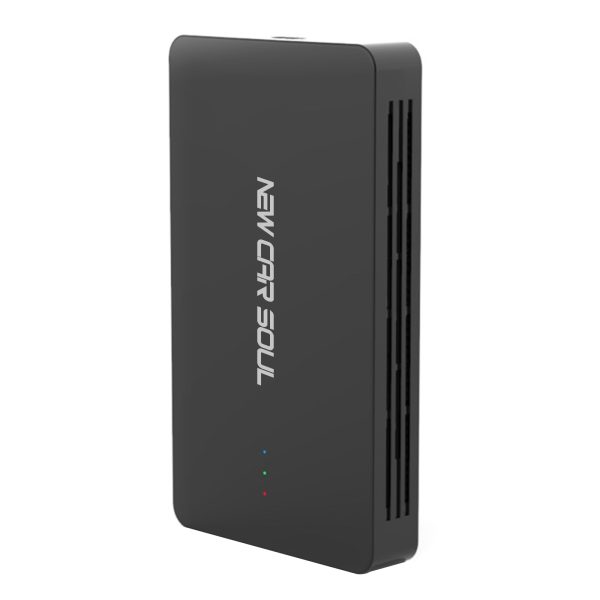
Tested on Ford F-150 SYNC 3 and SYNC 4 — fast, stable, and integrates seamlessly. Wireless CarPlay + Android Auto + streaming capability.
Ford SYNC-specific installation tips
- F-150 USB location: The CarPlay USB port is in the centre console storage bin on most F-150 trims. On SuperCrew cab models with the larger console, it’s on the forward face of the centre console stack.
- Mustang USB location: Below the climate controls or in the centre console depending on generation.
- SYNC 3 first connection: After pairing via Bluetooth, press the Phone button on the head unit or navigate to SYNC AppLink → Apple CarPlay on first use.
- SYNC 4 auto-detection: SYNC 4 detects the adapter and launches CarPlay automatically — no manual navigation needed.
- Android phones: All adapters support Android Auto wirelessly too — Ford SYNC 3 and 4 both support Android Auto alongside CarPlay.
Frequently asked questions
Yes — the Ford F-150 Lightning uses SYNC 4A and supports wireless CarPlay natively. An adapter is optional but adds streaming and Android Auto enhancement.
Yes — a wireless CarPlay adapter has no effect on Ford Pass or any connected services. They operate through the car’s own system independently of CarPlay.
The Bronco (2021+) with SYNC 4 supports wired CarPlay. An adapter adds wireless capability. Check our compatibility list for your specific Bronco trim.