

Audi A4, A6 & Q5 Wireless CarPlay Upgrade: Complete Guide (2026)
Audi’s MMI infotainment is sophisticated and CarPlay-friendly. Here’s how to cut the cable on your A4, A6, Q5, or any other MMI-equipped Audi.

Audi’s MMI system handles CarPlay beautifully — a wireless adapter makes the experience completely seamless.
Audi MMI versions: which do you have?
Audi uses the MMI (Multi Media Interface) infotainment system. For CarPlay purposes, the key versions are MIB2 (2016–2019, wired CarPlay) and MIB3 (2020+, wireless-capable on some models). Both are fully compatible with wireless adapters.
Go to Menu → Settings → System → Version information on your MMI screen. MIB2 systems show software beginning “0347” or similar. MIB3 shows newer versioning. You can also check by production date: cars produced after mid-2020 are typically MIB3.
Audi compatibility by model
| Audi Model | System | CarPlay Type | Adapter |
|---|---|---|---|
| A3 (8V, 2017–2020) | MIB2 | Wired | ✓ |
| A4 (B9, 2016–2020) | MIB2 | Wired | ✓ |
| A4 (B9 facelift, 2020+) | MIB3 | Wireless | Optional |
| A6 (C8, 2019+) | MIB3 | Wired/Wireless | ✓ |
| Q5 (FY, 2017–2020) | MIB2 | Wired | ✓ |
| Q5 (FY facelift, 2020+) | MIB3 | Wireless | Optional |
| Q7 (4M, 2016–2019) | MIB2 | Wired | ✓ |
| A5, TT, R8 (2017+) | MIB2/3 | Wired | ✓ |
Check our full Audi compatibility list for your exact model and year.
Recommended adapters for Audi
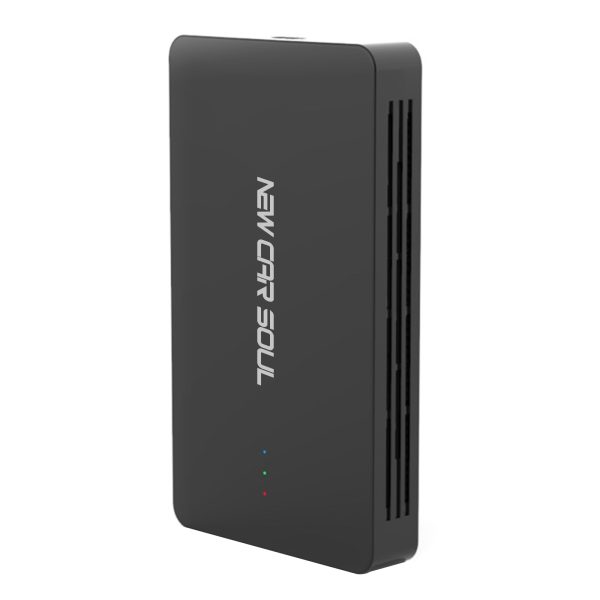
Tested on Audi A4 MIB2 and Q5 MIB3 — immediate connection, stable across all Audi MMI versions. Wireless CarPlay + Android Auto + streaming.
Audi MMI installation tips
- USB port location: The CarPlay USB-A port is in the centre armrest storage on most Audi models. On A3, it’s often below the gear selector.
- First launch on MMI: Press the MAIN MENU button → Media → Sources → Apple CarPlay on first use. Future connections are automatic.
- OBD/VCDS not required: Unlike some Audi coding procedures, a wireless CarPlay adapter needs no VCDS coding or OBD tools.
- MMI3/Virtual Cockpit: If your Audi has Virtual Cockpit, CarPlay navigation may also mirror to the driver display — this works identically with a wireless adapter.
Frequently asked questions
No — a plug-and-play wireless adapter requires no VCDS coding, no OBD tools, and no dealer involvement. It works out of the box on all Audi MIB2 and MIB3 systems.
Yes — CarPlay (including wireless) can mirror navigation to the Audi Virtual Cockpit driver display on supported models. A wireless adapter doesn’t change this behaviour at all.
Yes — all our adapters support both Apple CarPlay and Android Auto wirelessly. Android phone users connect and auto-reconnect exactly the same way as iPhone users.