

What is a CarPlay AI Box? Features, Benefits & Buying Guide (2026)
A CarPlay AI Box isn’t just a wireless adapter — it’s a full Android computer for your car. Here’s everything you need to know before buying one.

A CarPlay AI Box transforms your factory car screen into a full Android multimedia system — while keeping CarPlay available at the tap of a button.
What is a CarPlay AI Box?
A CarPlay AI Box is a small device that plugs into your car’s factory CarPlay USB port and installs a full Android operating system on your factory screen. Unlike a basic wireless adapter — which just removes the cable — an AI Box gives your car a completely new brain.
On the surface, it still looks like CarPlay. Tap the CarPlay icon and you get your familiar iPhone interface. But the AI Box runs Android 10/13 alongside CarPlay, giving you access to Netflix, YouTube, Google Maps, the Google Play Store, and thousands of other apps — all on your existing factory display.
Key features and capabilities
- Wireless CarPlay and Android Auto — no cable required
- Full Android OS — runs independently of your iPhone or car’s native system
- Netflix, YouTube, Disney+ and more — via mobile hotspot or built-in SIM
- Google Play Store — install any Android app
- Google Maps with offline maps — more detailed than Apple Maps for many regions
- Auto-connect — connects to your phone on every drive automatically
- OTA firmware updates — improves over time without hardware changes
AI Box vs wireless adapter: the key difference
If you only need to remove the cable from your existing CarPlay setup, a wireless adapter is simpler and cheaper. An AI Box is for drivers who want more than CarPlay — streaming, offline maps, Android apps, and Google services — on top of wireless CarPlay. See our full AI Box vs Wireless Adapter comparison guide for a detailed breakdown.
Streaming apps (Netflix, YouTube) require an internet connection via your iPhone’s Personal Hotspot or a dedicated car Wi-Fi router. Google Maps works offline once maps are downloaded. CarPlay itself works without any mobile data.
What apps work on a CarPlay AI Box?
Any app available on the Google Play Store works on an AI Box with Android 13, including Netflix, YouTube, Spotify, Disney+, Amazon Prime Video, Google Maps, Waze, YouTube Music, and thousands more. The exact app availability depends on the Android version and Google Play certification of the specific AI Box model.
Our AI Box recommendations
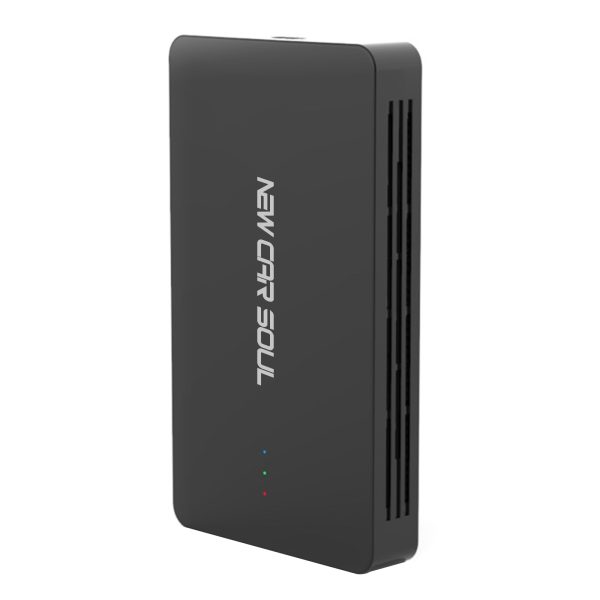
Wireless CarPlay + Android Auto + Netflix/YouTube streaming. Best-value AI Box on the market. 1-year warranty, lifetime OTA updates, 80+ car brand compatibility.
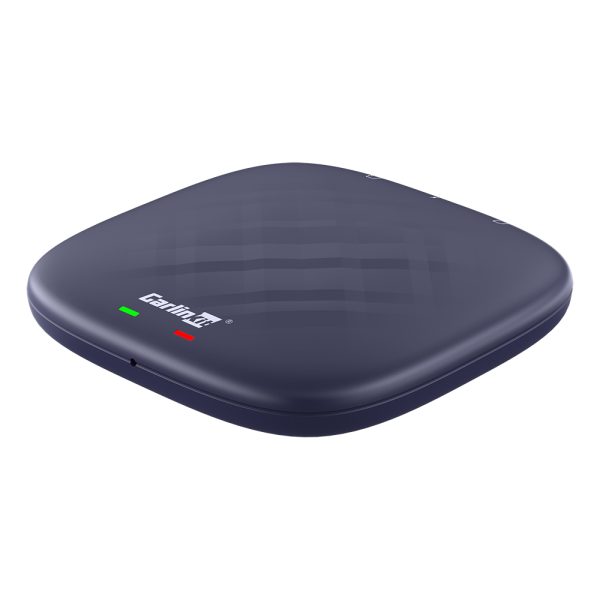
Android 13, 8GB RAM, 128GB storage, full Google Play access. The most capable AI Box available, for users who want the complete smart-car experience.
Frequently asked questions
No — a CarPlay AI Box plugs into your car’s existing CarPlay USB port. No wiring, no drilling, no dealer visit required. It’s plug-and-play.
Yes — CarPlay is still available as an option on the AI Box home screen. You switch between Android mode and CarPlay mode with a single tap.
CarPlay AI Boxes work with cars that have factory CarPlay (typically 2016+ models from 80+ brands). Check our full compatibility list for your specific vehicle.