
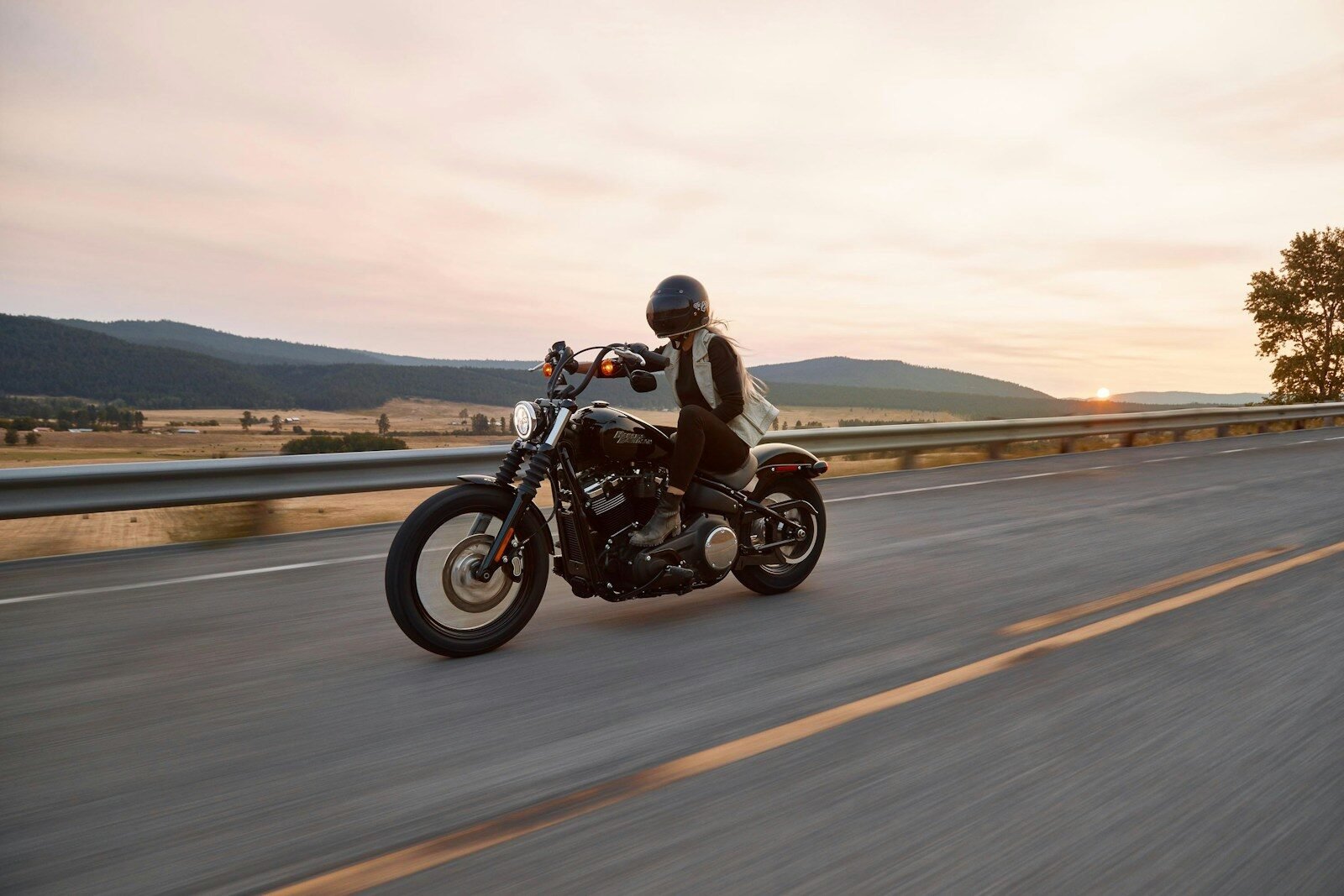
Motorcycle CarPlay: How to Get Apple CarPlay on Your Bike (2026)
CarPlay isn’t just for cars. Here’s how motorcycle and scooter riders can get wireless navigation, music, and calls on their handlebars — safely.

A dedicated motorcycle CarPlay screen provides weatherproof navigation, music control, and hands-free calls — without the distraction of your phone.
Can motorcycles use Apple CarPlay?
Standard car wireless CarPlay adapters won’t work on motorcycles — they need a factory CarPlay USB port in the car to connect to. Motorcycles don’t have that. But that doesn’t mean you can’t get CarPlay on your bike.
The solution is a dedicated motorcycle CarPlay screen — a self-contained unit designed specifically for handlebars, with weatherproofing, vibration resistance, and all the connectivity you need built in. It runs wireless CarPlay and Android Auto independently, with no car infotainment system required.
Why riders want CarPlay on their bike
- Navigation without looking at your phone — turn-by-turn on a screen you can see clearly
- Music and podcast control — with steering/handlebar controls
- Hands-free calls — through your helmet’s Bluetooth intercom or the screen’s speaker
- Safer riding — no phone mounted precariously, no fumbling while moving
- Weather data and trip info — accessible at a glance
With a motorcycle CarPlay screen, you can use Siri for hands-free control of navigation, calls, and music — just like in a car. Pair it with a Bluetooth helmet intercom for a fully integrated riding experience.
The solution: New Car Soul Motorcycle GPS CarPlay Screen
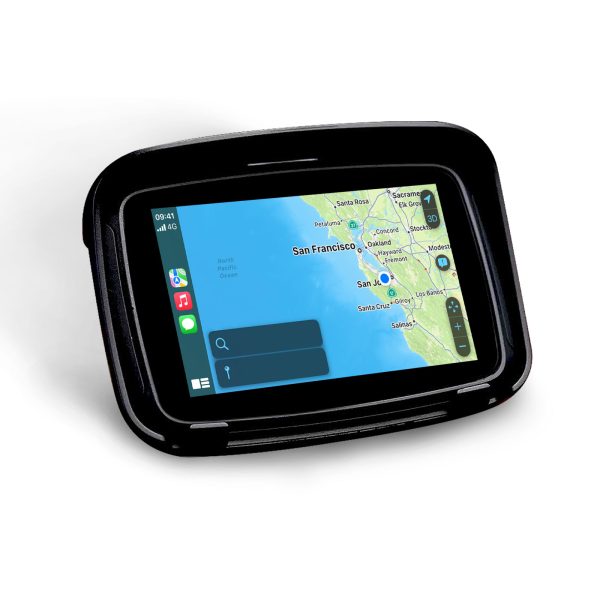
Waterproof, vibration-resistant CarPlay screen built for motorcycles, scooters, and autocycles. Wireless CarPlay + Android Auto + built-in GPS. Fits any handlebar with included mounting hardware.
Mounting and setup guide
- Step 1: Choose mounting position — Most riders mount on the handlebars using the included RAM-style ball mount. Position for clear forward visibility without blocking your instrument cluster.
- Step 2: Power connection — Connect to your motorcycle’s 12V battery or USB port. Most bikes have an accessory power lead — a weatherproof USB adapter makes this clean.
- Step 3: Pair your iPhone via Bluetooth — One-time pairing via iPhone Bluetooth settings. CarPlay launches automatically on subsequent rides.
- Step 4: Set up Siri — Enable “Hey Siri” on your iPhone for completely hands-free voice control while riding.
- Step 5: Connect your helmet intercom — Pair your Bluetooth helmet intercom (Cardo, Sena, etc.) to the screen for audio through your helmet.
Frequently asked questions
Yes — our Motorcycle CarPlay Screen is waterproof and vibration-resistant, designed to withstand the conditions of regular riding including rain, vibration, and temperature extremes.
Yes — the screen supports both Apple CarPlay and Android Auto wirelessly. Android riders pair exactly the same way and get the same navigation, music, and calling features.
Yes — the screen is compatible with motorcycles, scooters, autocycles, and e-bikes with 12V power. The handlebar mount fits most standard bar diameters.