
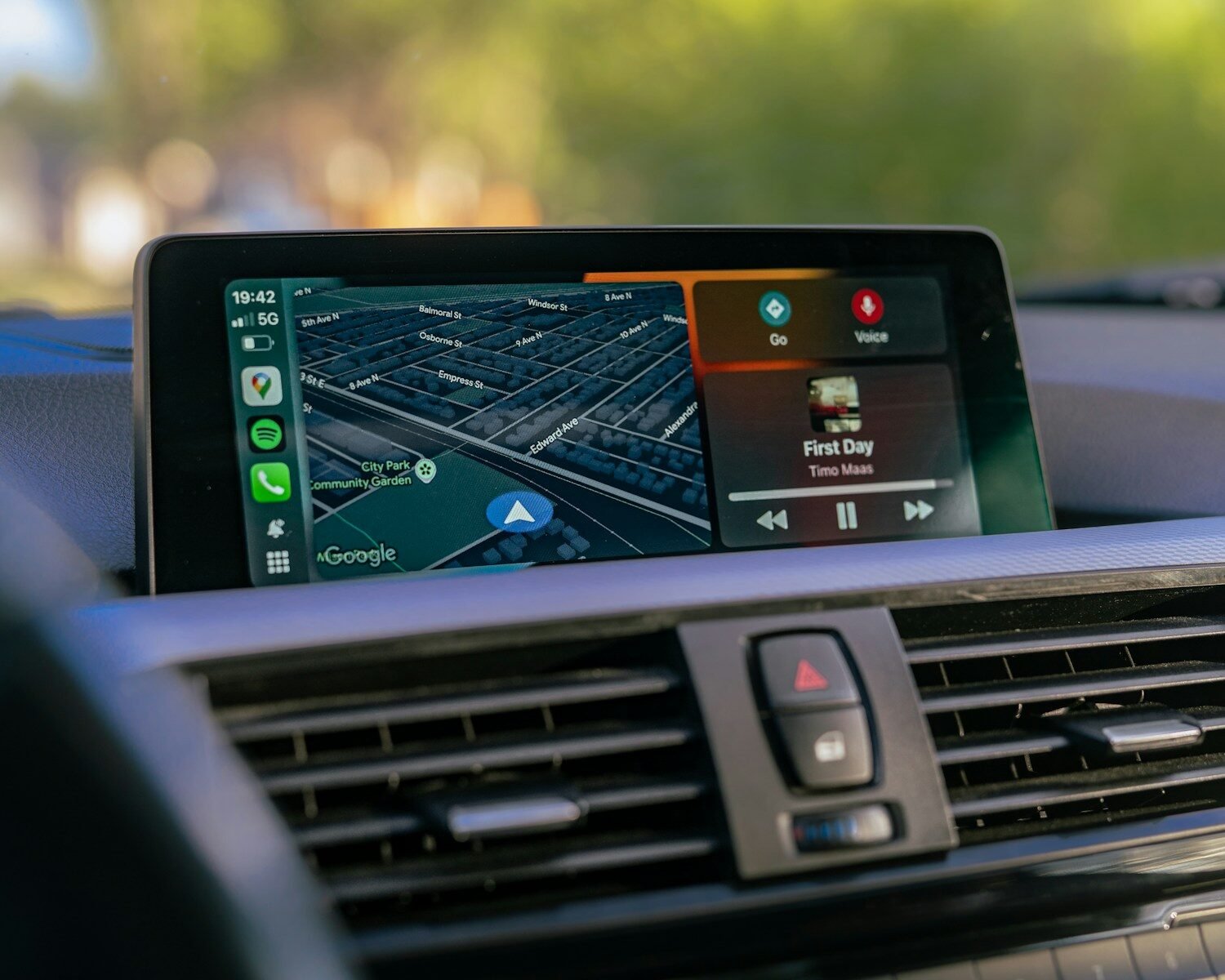
Wired vs Wireless CarPlay: Is Wireless Worth It in 2026?
The case for wireless is stronger than ever — but is it worth the extra cost over just using a cable? Here’s the honest breakdown.

The cable vs wireless debate comes down to one question: how often does fumbling for your cable actually bother you?
How wired and wireless CarPlay work
Wired CarPlay sends data from your iPhone to your car’s head unit through a Lightning or USB-C cable. It’s a direct, lossless connection. No setup, no pairing — just plug in. The downside: you need the cable, you need to plug in every time, and your phone sits tethered to the console.
Wireless CarPlay uses Bluetooth for the initial handshake and a 5GHz Wi-Fi connection for data transfer. Your phone stays in your pocket or bag. After a one-time pairing, the connection happens automatically within seconds of starting the engine.
Head-to-head comparison
| Factor | Wired CarPlay | Wireless CarPlay |
|---|---|---|
| Connection method | Lightning / USB-C cable | Bluetooth + 5GHz Wi-Fi |
| Setup time (first use) | Instant | ~3 min (one-time pairing) |
| Daily connection time | ~5–10 sec (plug in) | ~4–8 sec (automatic) |
| Audio quality | Identical | Identical |
| Display quality | Identical | Identical |
| Latency | <50ms | 70–100ms (imperceptible) |
| Phone charging while using | Yes (via cable) | Separate charger needed |
| Cable required | Always | Never (after pairing) |
| Phone needs to be unlocked? | First time only | First time only |
| Cost to go wireless | Free (already wired) | €63–€150 for adapter |
The latency question
The most common concern about wireless CarPlay is latency — does the wireless connection feel slower or laggier? In practice: no. Modern wireless adapters maintain under 100ms of latency over 5GHz Wi-Fi, which is imperceptible in normal use. Navigation voice instructions, music playback, and touch response are indistinguishable from wired.
The only scenario where you might notice a difference is during initial connection (wired connects instantly; wireless takes 4–8 seconds after engine start) and in rare cases in areas with severe 2.4GHz Wi-Fi interference, which is solved by switching to 5GHz mode in the adapter’s companion app.
Is wireless worth it in 2026?
For most drivers: yes, clearly. The €63 cost of our NCS 3-in-1 Box is less than many people spend on car accessories in a month — and you use CarPlay every single day. The convenience of never touching a cable again pays for itself quickly in reduced friction and annoyance.
The only case where wired remains preferable: if you rely on charging your phone via CarPlay while driving and don’t have another charging source. The cable charges and connects simultaneously; wireless adapters occupy the CarPlay USB port and require a separate charger. If that’s your situation, a wireless pad or second USB port solves it completely.
Frequently asked questions
No — both wired and wireless CarPlay deliver identical audio quality. The Wi-Fi data stream carries the same audio signal as the cable. Call quality depends on your phone’s microphone and the car’s speaker quality, not the connection type.
Yes, but not via the same port. The wireless adapter occupies the CarPlay USB port. Charge via a separate USB port, wireless charging pad, or 12V socket adapter. Most modern cars have multiple USB ports for exactly this reason.
Wireless dropouts are almost always caused by 2.4GHz Wi-Fi interference in urban areas. Open the adapter’s companion app and switch to 5GHz mode — this resolves the vast majority of dropout issues. See our CarPlay troubleshooting guide for more fixes.