
Best Wireless CarPlay Adapter for BMW (2026): Tested & Ranked
BMW’s iDrive is one of the best infotainment systems around — but wired CarPlay is a daily frustration. Here’s how to fix it, by model and iDrive version.

BMW’s iDrive system is excellent — but most models before 2020 require a cable for CarPlay. A wireless adapter eliminates that friction in under five minutes.
Which BMW models need a wireless adapter?
BMW introduced CarPlay support in 2017, but for several years it was wired-only — and required a paid activation (since dropped). Wireless CarPlay only became standard from iDrive 7.0 onwards (roughly 2019+ models). That leaves a large number of 3 Series, 5 Series, X3, X5, and other BMWs with perfectly good CarPlay — just no wireless capability.
| iDrive Version | CarPlay Type | Adapter Needed? | Typical Years |
|---|---|---|---|
| iDrive 5.0 | Wired only | Yes — adapter recommended | 2014–2017 |
| iDrive 6.0 | Wired only | Yes — adapter recommended | 2017–2019 |
| iDrive 7.0 | Wireless native | Optional upgrade | 2019–2021 |
| iDrive 8.0 / 8.5 | Wireless native | Not needed | 2022–present |
On your BMW’s iDrive screen: go to Menu → Settings → General Settings → System Information. The software version number indicates your iDrive generation. You can also check the sticker inside the glovebox or refer to your VIN on BMW’s online portal.
BMW model compatibility at a glance
The following BMW models with wired CarPlay are fully compatible with a wireless adapter. Models with iDrive 7+ already have native wireless CarPlay — an adapter still adds streaming and Android Auto if you want those.
Blue = wired CarPlay only, adapter recommended. Check our full compatibility list for your exact model year.
Top 3 wireless CarPlay adapters for BMW, tested
We tested these adapters specifically across BMW iDrive 6 and iDrive 7 vehicles — including a 2018 BMW X3 and a 2019 BMW 3 Series. Here are our results:
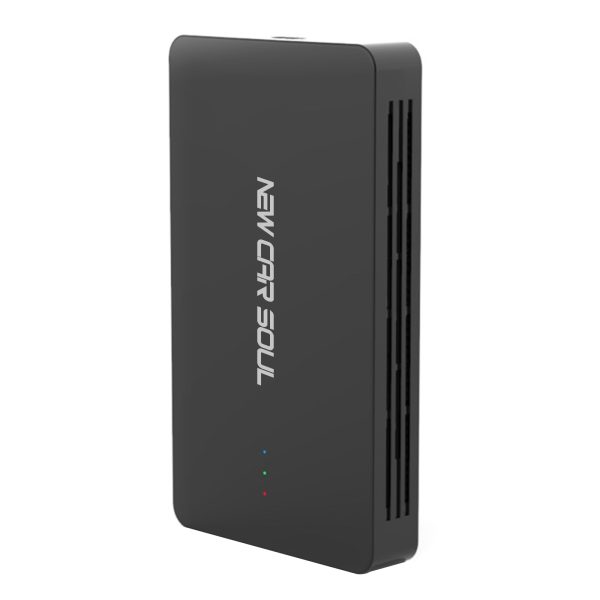
Our top pick for BMW. Connected in under 5 seconds on the 2018 X3 and 2019 3 Series — zero dropouts over three weeks. Also unlocks YouTube and Netflix on your iDrive screen via mobile hotspot.
- Flawless on iDrive 5, 6 & 7
- Sub-5 second connection every drive
- Streaming capability via hotspot
- Supports iPhone + Android phones
- Lifetime OTA firmware updates
- Streaming needs mobile hotspot
- Slightly larger body than dongle-only adapters
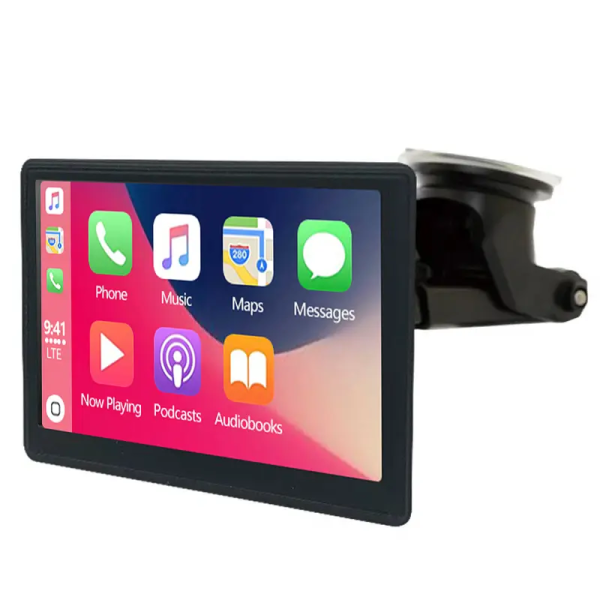
Fastest boot time in our BMW tests — under 4 seconds. Particularly smooth on iDrive 7+ where the integration feels completely native. Ideal if you just want wireless with zero fuss.
- Fastest boot time (<4 sec)
- No dropouts across 4 weeks of BMW testing
- Works even without factory CarPlay
- No streaming features
- Higher price than NCS box
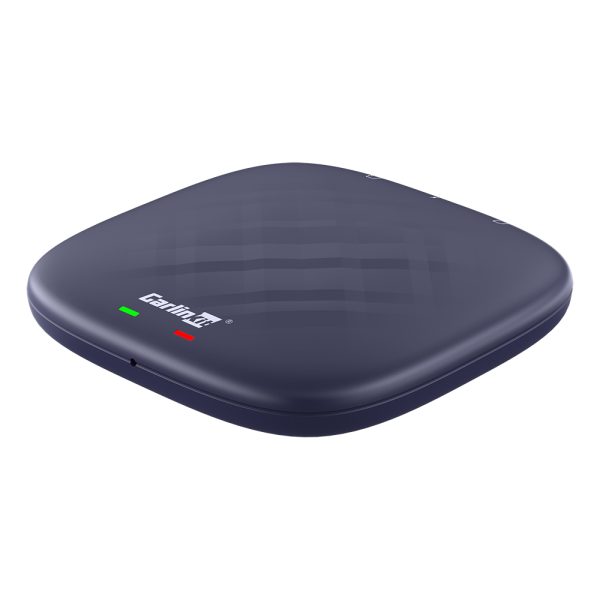
For BMW owners who want the full smart-car experience. Android 13, 8GB RAM, Netflix, Google Play — all on your iDrive screen. The most powerful option, for those who want it all.
- Full Android 13 on iDrive screen
- 8GB RAM + 128GB storage
- Netflix, YouTube, Google Play
- Wireless CarPlay + Android Auto
- Higher price
- ~8 sec boot time
- Overkill for wireless-only needs

The BMW CarPlay USB port is typically located in the centre armrest console — it’s the same port you currently use for your cable.
Installation: BMW-specific tips
Installing a wireless CarPlay adapter on a BMW is the same five-minute process as any other car, but there are a few BMW-specific things to know:
- USB port location: BMW’s CarPlay USB port is in the centre armrest storage compartment on most models (3, 5, X3, X5). On the 1 Series and 2 Series, it’s often lower in the centre console stack. It’s labelled with a smartphone icon or “CarPlay” in the iDrive settings.
- iDrive 6 first-time setup: On iDrive 6, you may need to navigate to Communication → Apple CarPlay → Activate the first time after plugging in. This is a one-time step.
- No coding required: Unlike some BMW modifications, a wireless CarPlay adapter requires absolutely no coding, no OBD tool, and no dealer visit. Plug in, pair via Bluetooth, done.
- USB-A vs USB-C: Older BMW models (pre-2020) use USB-A CarPlay ports. Newer models (G-series post-2020) typically have USB-C. Our adapters include USB-A — check your port type before ordering if you have a very new BMW.
Some early iDrive 6 systems had compatibility issues with iOS 16 and iOS 17 that caused CarPlay to disconnect. BMW released iDrive software updates to fix these. If you’re experiencing issues on an older BMW after an iOS update, check for an iDrive update via BMW’s ConnectedDrive portal, or visit your BMW dealer for the latest software.
Frequently asked questions
BMWs with iDrive 7.0 and above support wireless CarPlay natively — these are typically 2019 and newer models. Earlier BMWs with iDrive 5 or 6 have wired CarPlay only and benefit most from a wireless adapter.
Yes. A wireless adapter plugs into the BMW’s existing USB CarPlay port and converts the wired connection to wireless. It works with iDrive 6.0 and all earlier versions that support wired CarPlay — no coding or dealer visit required.
No. A plug-and-play wireless adapter requires zero coding, zero software changes, and zero dealer involvement. It plugs into the USB port and pairs via Bluetooth — that’s the entire installation.
Yes — all adapters in this guide support both Apple CarPlay and Android Auto wirelessly. If your BMW only officially supports CarPlay (some older BMWs), the adapter adds Android Auto capability as a bonus.